How to pay for services
A Visa card in dollars, you enter it on the site like any other card. The number, expiry and CVV are in the app.
What you need
How to pay
-
Top up the card
Transfer the price with some extra. The card is also charged $0.25 per payment and 2.5% if the price is not in dollars.
-
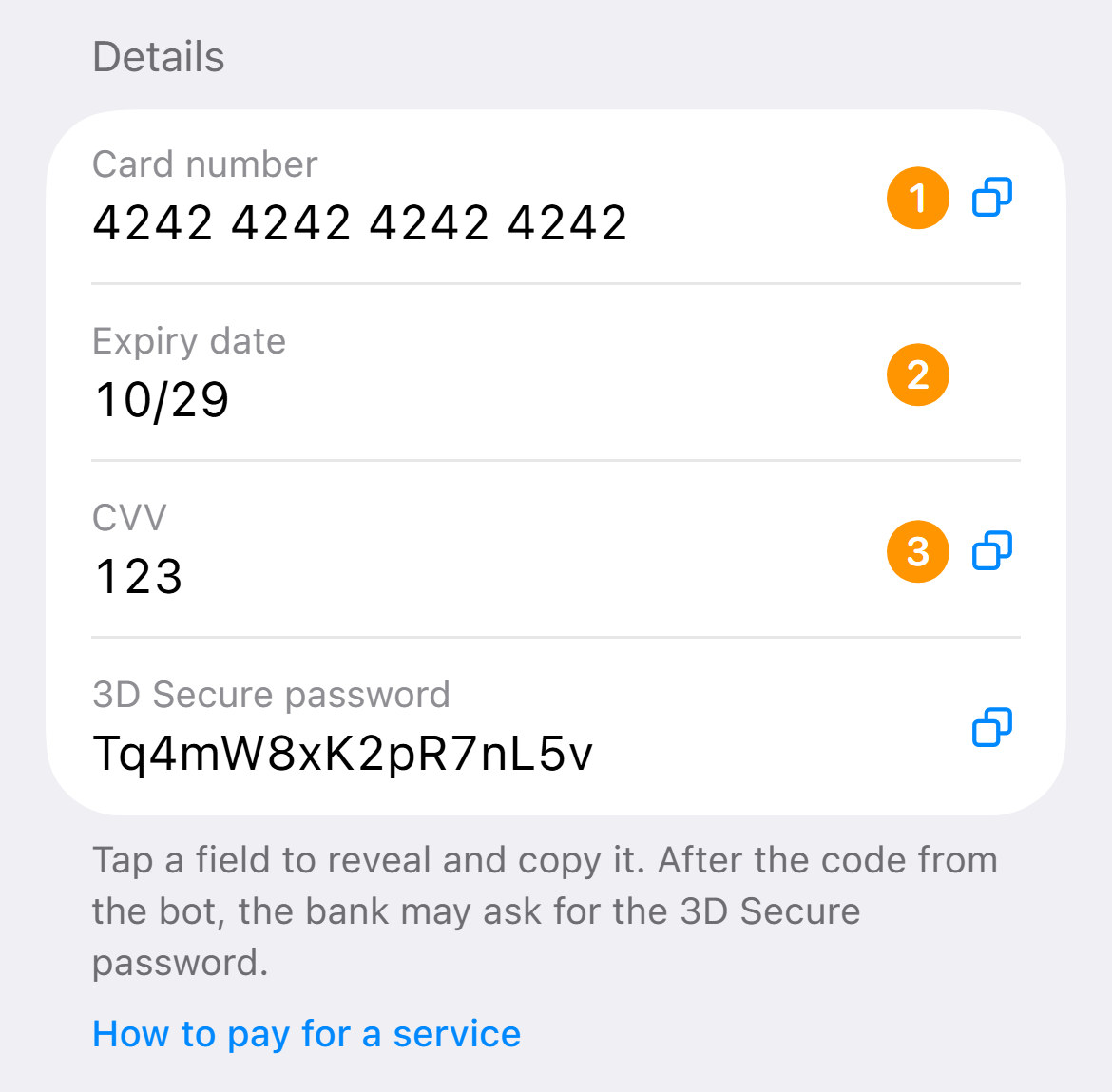
Copy the number, expiry and CVV
On the “Cards” tab tap “Details”. The first tap on a field shows it, the second copies.
-
Enter the name and address
Type the name in Latin letters. Country United States, a state with no sales tax, so the subscription is cheaper. A ready-made address and a backup Estonia one are in this article in the app.
-
Confirm the payment
If the bank asks for a code, it arrives in the chat with the bot. If it asks where to send it, choose email.
Billing address for the form
Ready-made addresses in the US and Estonia are in this article in the app.
Turn the VPN on before signing in to the service and keep it on until the payment is done.
What you can pay for
Where the card will not work
- Shops and services from Russia
- Sanctioned countries and companies
- Illegal goods and services