Card number, expiry date and CVV
On the “Cards” tab tap “Details”. Tap a field to show it, tap again to copy.
What you need
-
Open the card details
On the “Cards” tab tap “Details” under the card.
-
Copy the number and CVV
Tap a field to show it and again to copy. The expiry is visible right away, type it in by hand.
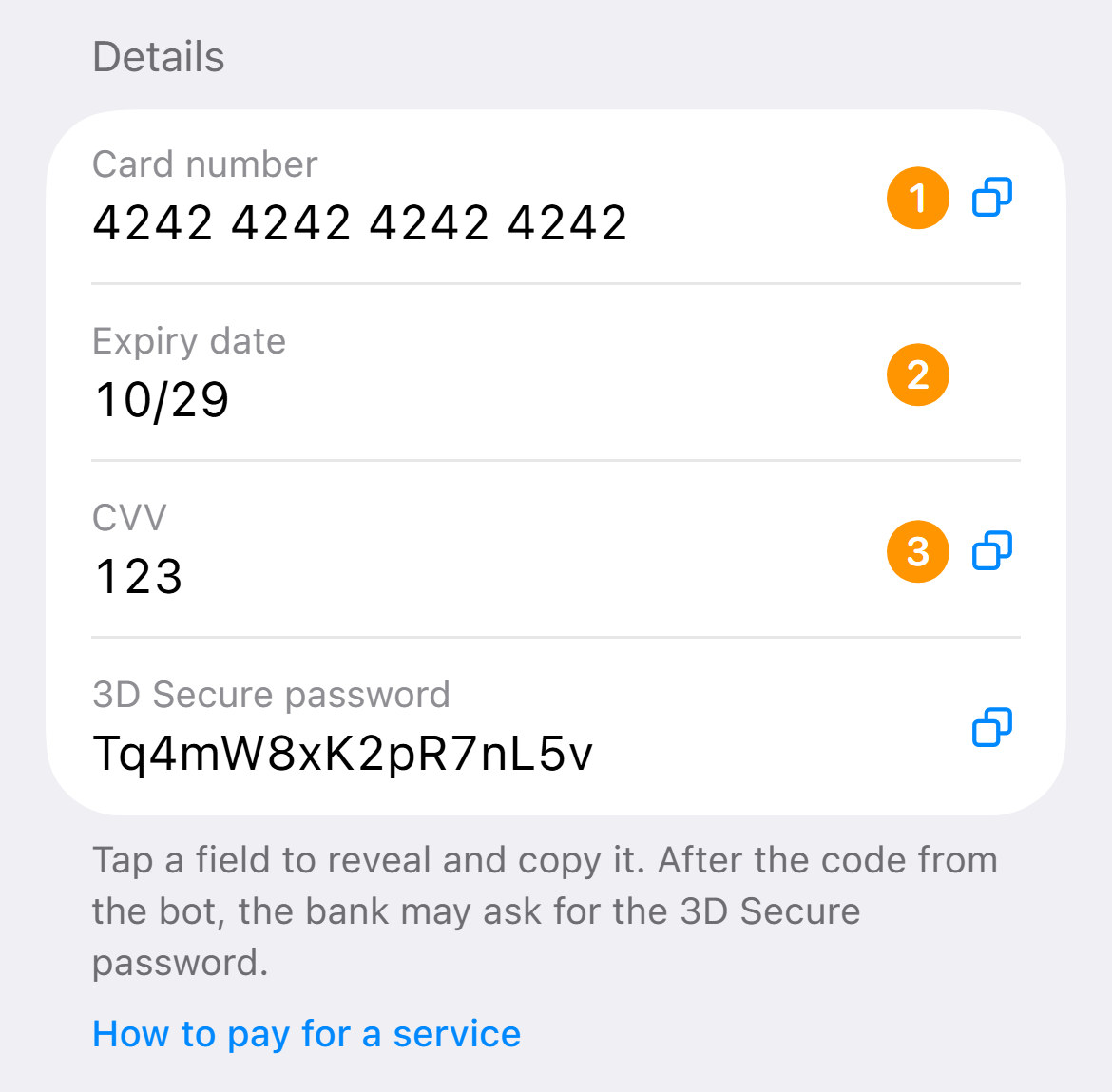
Example. The data in the screenshot is fake -
Enter the name in Latin letters
The card has no name, so enter your own in the payment form.
The details hide themselves after a minute and when you minimize the app.