Which network to choose
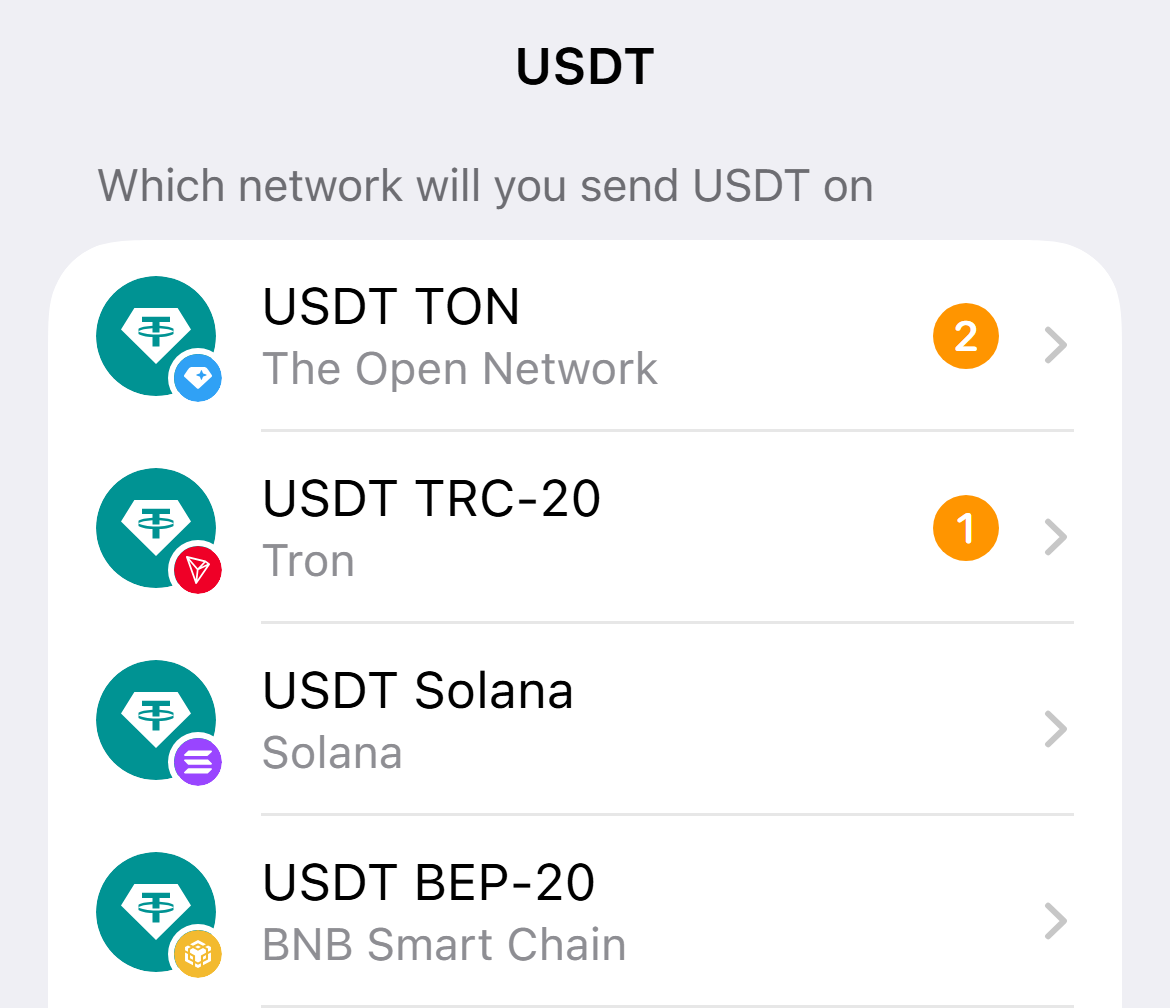
For USDT take TON, it is the cheapest network. What matters is that the network in the app matches the sender network.
-
See the networks at the sender
On an exchange or in a wallet open the coin withdrawal. If TON is there, take it.
-
Choose the same network in the app
Cheap networks are higher in the list, Ethereum is at the very end and is usually the most expensive.
-
Check the network under the address
Under the address it says which network to send to it in.
Coins sent in another network will not arrive, and usually cannot be returned.