How to issue a card
A virtual European Visa Business card in dollars. Issuing costs $10 once, the card is valid for 3 years. No monthly fee, no documents.
What you need
- Money in the wallet
- At least $10 in the wallet
-
Open card issuing
On the “Cards” tab tap the issue button with the price. If you already have a card, tap “New” first.
-
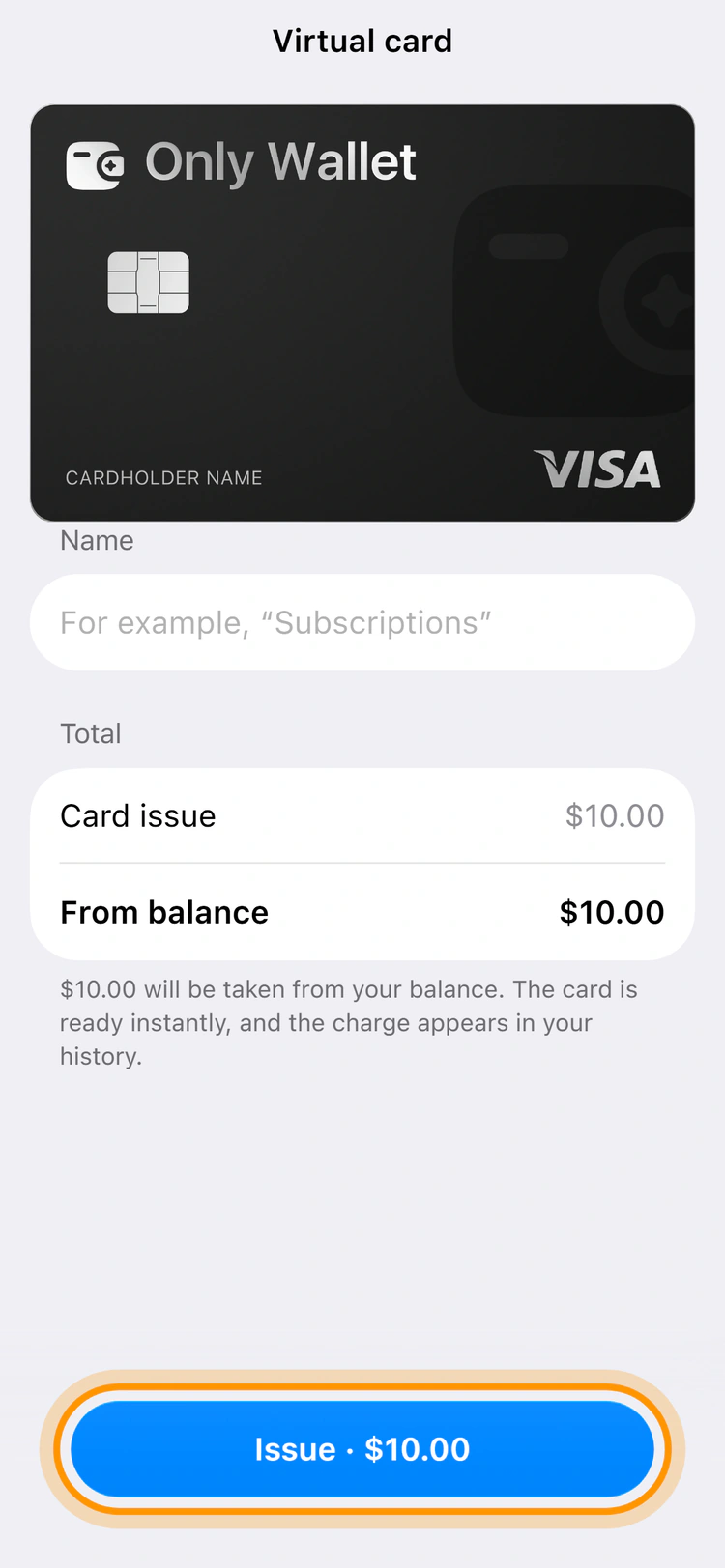
Tap the issue button at the bottom
The card price is taken from the wallet. If there is not enough, the button leads to a wallet top‑up.
-
Open the card
On the “Card is ready” screen tap “Open card”. If the bank did not reply right away, the card appears in a few minutes.
Each card has its own account, and a new one is empty. Move money to it from the wallet before buying.
Common questions
How many cards can I issue
Up to 5. Each card has its own account and balance, and transfers between them are free.