Getting started
Top up the wallet with crypto, issue a Visa card and move money to it. No documents needed.
What you need
- Coins on an exchange or in a wallet, USDT is best
-
Top up the wallet
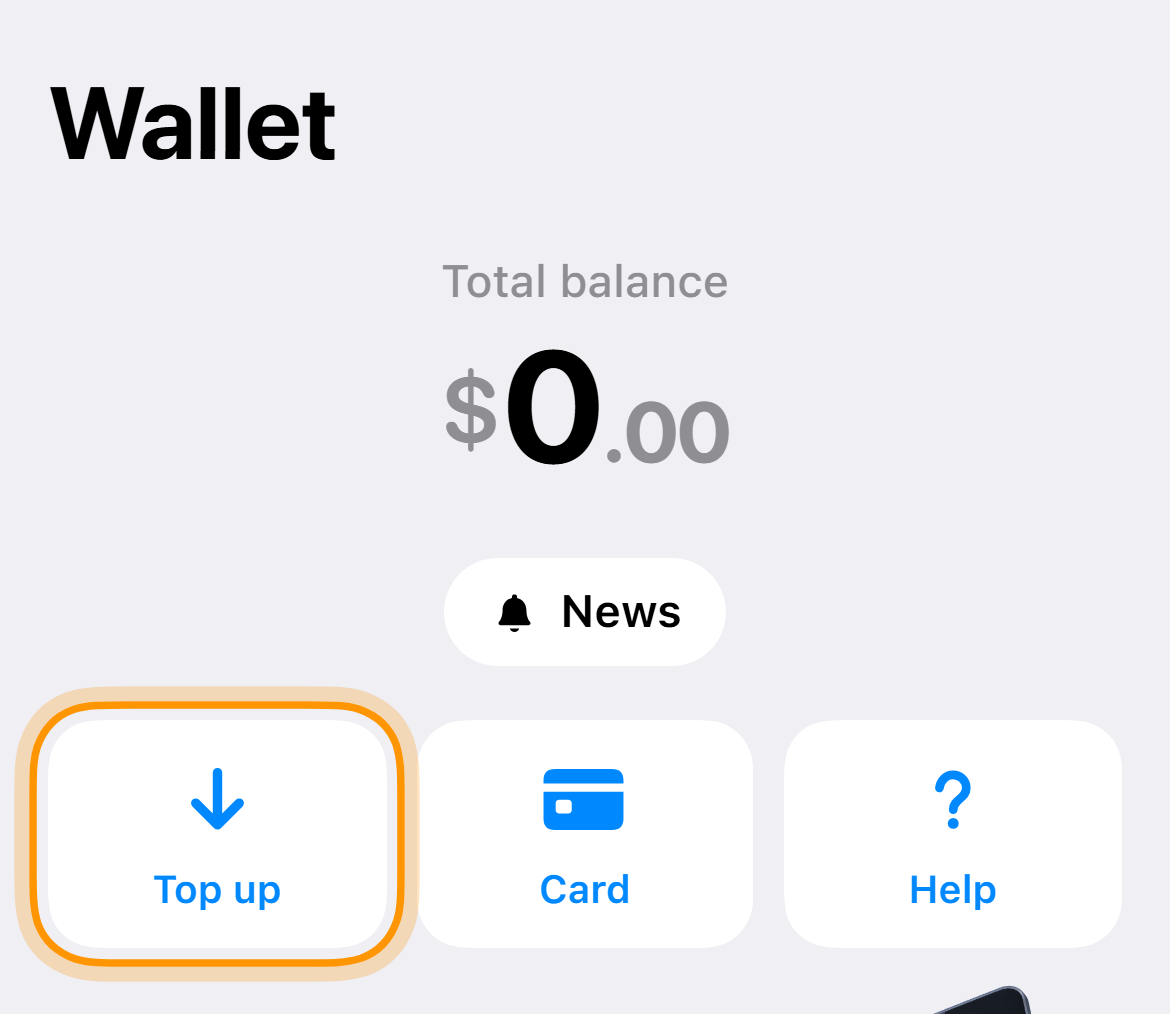
On the home screen tap “Top up”, choose a coin and send it to the address in the app. The TON network is the cheapest.
-
Issue a card
On the “Cards” tab tap the issue button. Issuing costs $10 once, no monthly fee.
-
Top up the card
Each card has its own balance, and payments come from it. On the card screen tap “Top up card”, the fee is 7.5%.
-
Pay
Take the number, expiry and CVV from “Details”. If the bank asks for a code, it arrives in the chat with the bot. If it asks where to send it, choose email.
Example. For a $20 subscription with a new card you need $31.90 in the wallet, that is $10 for issuing and $21.90 for the card.
If the service site does not open, turn on a VPN before signing in and keep it on until the payment is done.
Common questions
Is this a bank account
No, there is no IBAN or SWIFT. The wallet is topped up with crypto, the card by a transfer from the wallet.
Cards disappeared or the wallet is empty
You signed in from another Telegram account. Open the app from the one where you issued the card.