Freezing and security
Freezing stops all payments on the card, the money stays on the account. You can unfreeze at any time.
What you need
-
Open the card
On the “Cards” tab tap the card.
-
Turn on freezing
Turn on “Freeze card” at the bottom. To unfreeze, turn the same switch off.
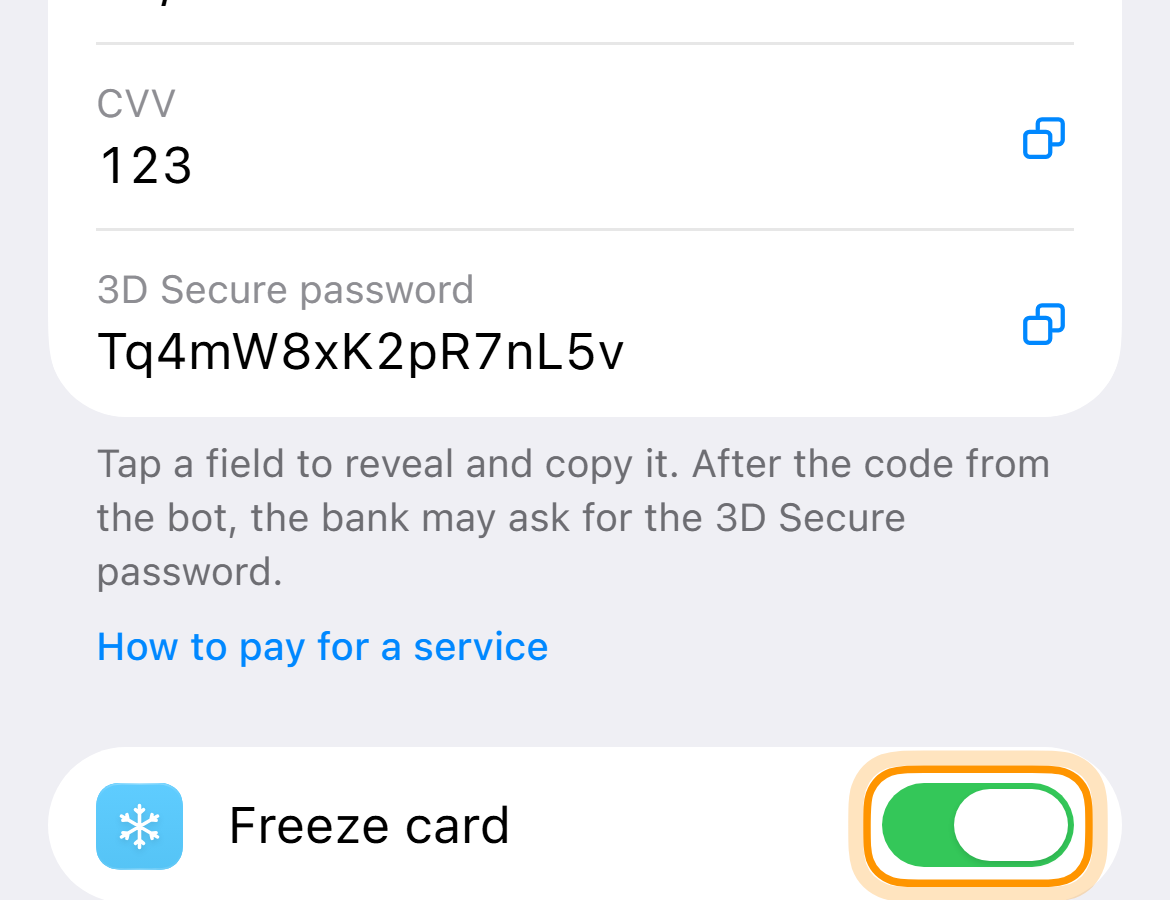
Faster from the “Cards” tab with the “Freeze” button under the card.
See a payment you did not make? Freeze the card and write to support.