Why a card payment was declined and what to do
The bot sends the decline reason to Telegram right away, and the amount is not charged on a decline. Most often the card is short of money: top it up and repeat the payment. The card is a European debit card, and Claude and ChatGPT payments go through without issues.

Only Walletnow
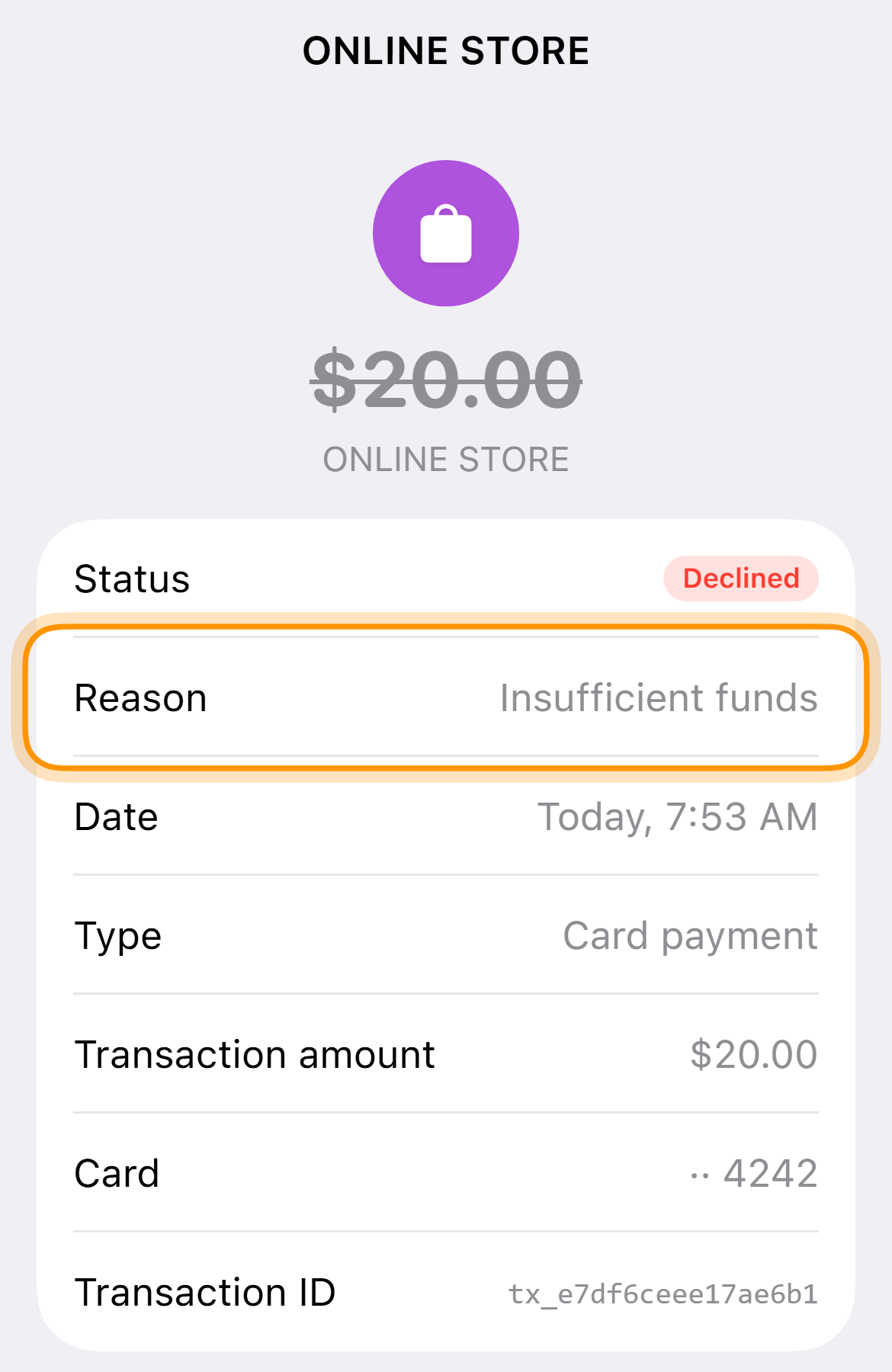
Payment of $20.00 declined
ONLINE STORE · card •• 4242
Insufficient funds on the card. Top up the card and try again.
What to do
- Insufficient funds on the card. Each card has its own balance. Top up the card you paid with using the button below or in the bot message and repeat the payment.
- The card is frozen. Tap “Unfreeze” on the card screen.
- Purchase limit exceeded. The card for $10 has a limit of $3,000 a month. If you have not reached it, write to support.
- The bank declined the operation. Check the card details and try again later.
The bot sent nothing
It means the store itself stopped the payment and it never reached the bank. Check the VPN and the address in the form, US first, then Estonia. Repeating the same payment within 10 minutes does not send a second message.
Where to see the reason
-
Open the history
Go to the “History” tab.
-
Tap the declined payment
The reason is in the “Reason” line.
Card and prices
Common questions
The payment was declined, but the money seems charged
Nothing is charged on a decline. The status “Processing” means the bank approved the payment and the amount is held.