Card balance and closing
You cannot close a card in the app, but you can freeze it. The balance stays on this card’s account and does not expire.
What you need
-
Cancel subscriptions
Do this in the settings of the services themselves.
-
Spend or take out the balance
Each card has its own balance. Spend it with this card or send it for free to your wallet or to another of your cards, with «To wallet» and «To another card» on the card screen.
-
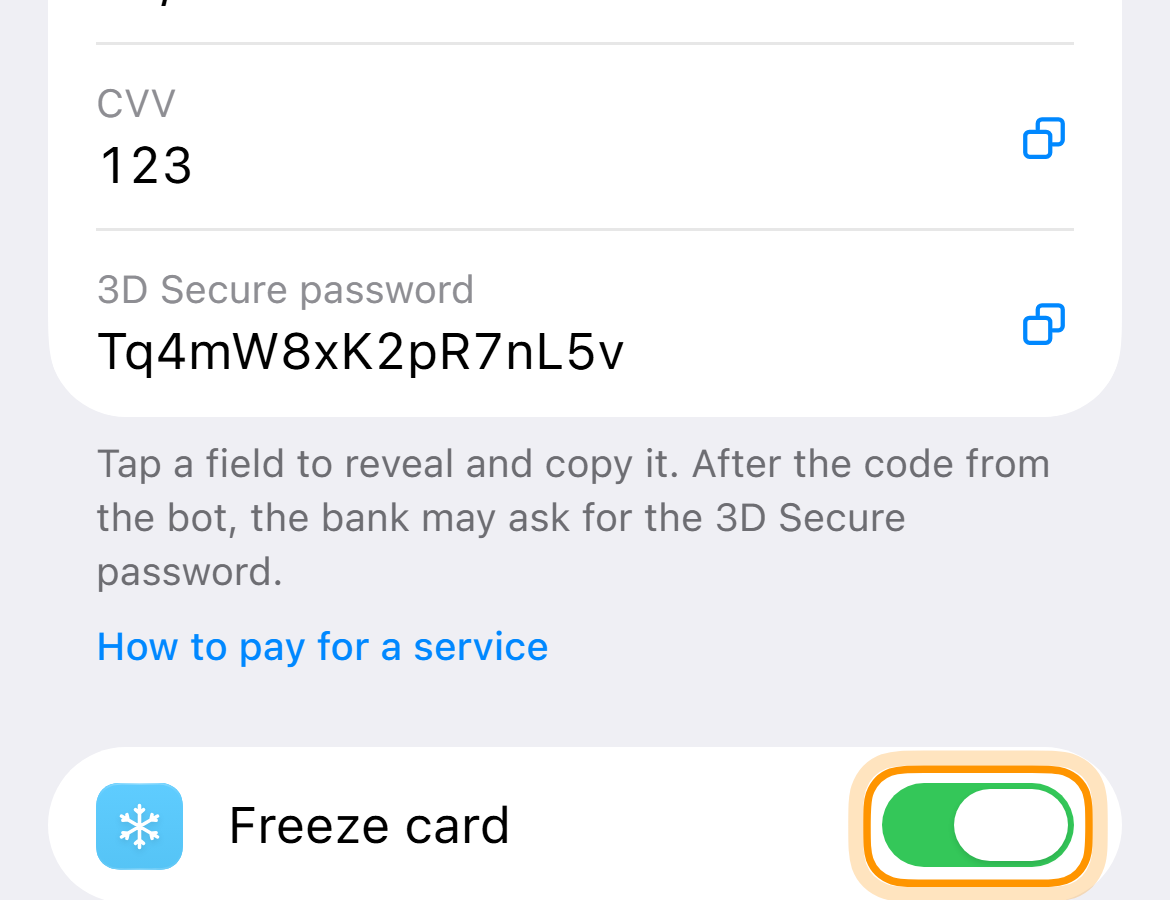
Freeze the card
On the card screen turn on “Freeze card”. Payments stop, the money stays on the card account.
The balance of a closed card does not disappear, you can send it to your wallet on that card’s screen. If you want to close the card completely, write to support.